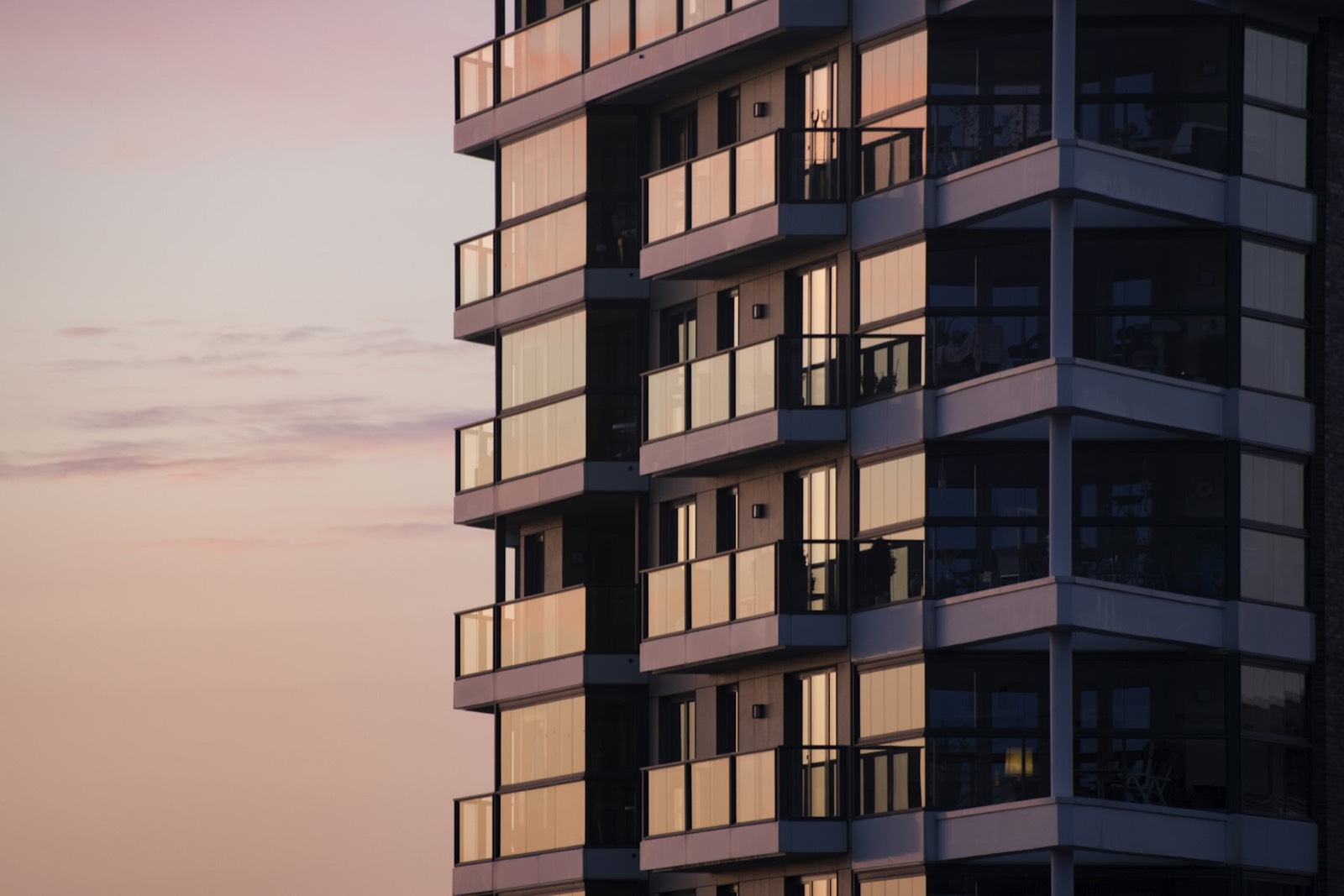

Left and right arrows switch buildings, Escape returns to the estate view.
A floor plan buyers understand
Instead of a PDF full of lines: an interactive plan with room areas, furniture and orientation. The estate has 10 apartment layouts. Choose the number of rooms and a variant to see which units have it.
| Room | Area |
|---|---|
| Total |
Unit finder
The same data as the 3D model. Filter the list and the chosen unit lights up on the building.
| Unit | Building | Floor | Rooms | Area | Price | Price per m² | Status | Action |
|---|
Construction progress buyers see on their phone
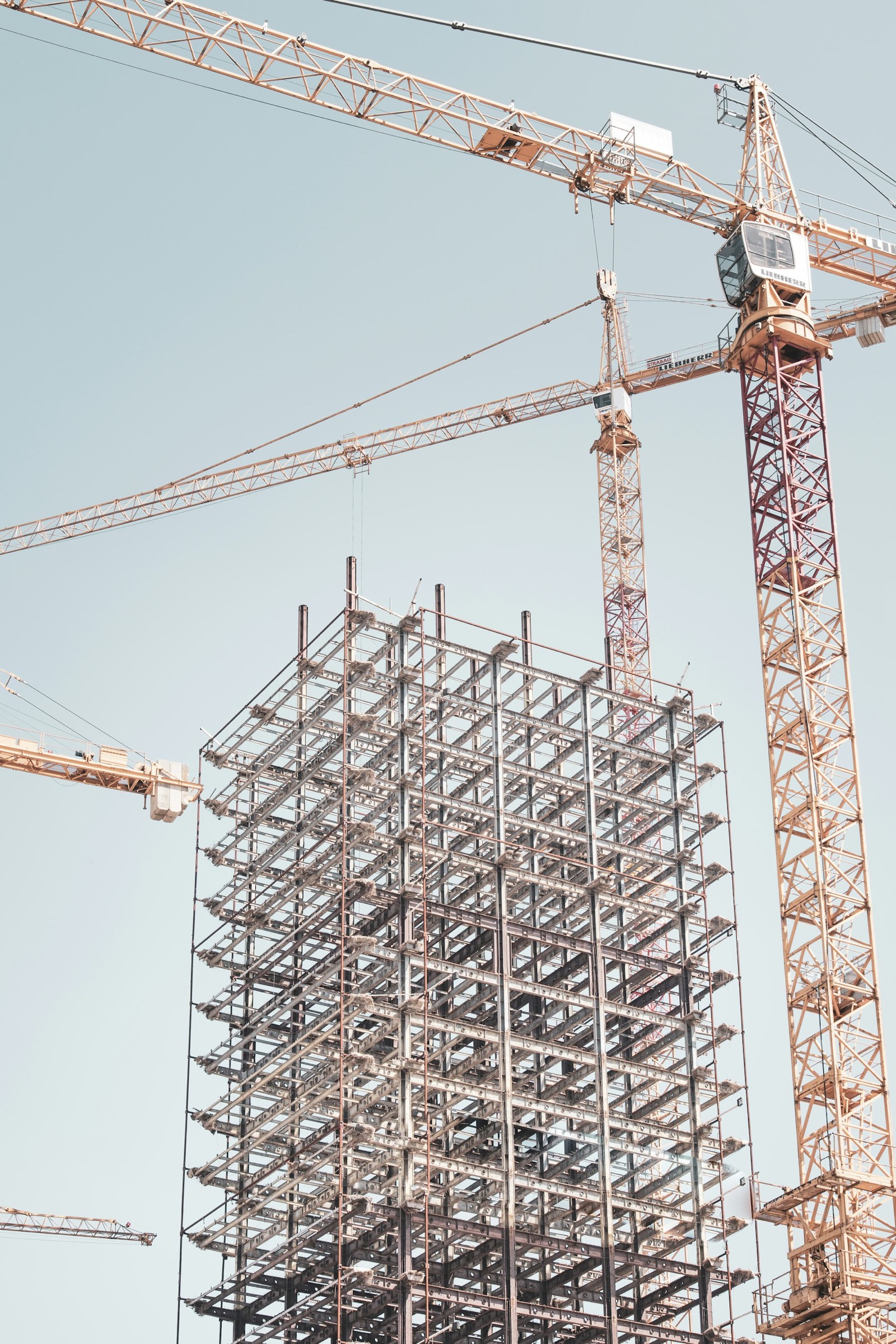
In the buyer portal the construction stage updates with the schedule, and each stage brings the next payment instalment. Scroll to watch building B go up.
- Groundworks and foundations
- Structure, floor by floor
- Roof and weathertight shell
- Facade and installations
- Inspections and key handover
- Instalment 1, agreement10%
- Instalment 2, structure25%
- Instalment 3, shell25%
- Instalment 4, installations30%
- Instalment 5, handover10%
What we build for developers
From the website for a first development to a system for a group delivering several estates a year. Each module works on its own and connects with the others.
3D apartment finder
The development in the browser. Buyers rotate the building, click a floor and see available units with price and floor plan. Works on phones.
Development website
A fast website with gallery, location, finish standard and forms that go straight into the CRM.
Price transparency
Prices, price history and parking prices published on the website and exported daily to dane.gov.pl, with no manual work for sales.
Sales CRM
Leads from portals, unit reservations, developer agreements, commissions and sales reports for the board.
Buyer portal
Payment schedule, documents, layout changes, defect reports and handover date in one place.
Portal integrations
Listings published and updated automatically on Otodom, Morizon and Gratka from one data source.
Visuals and walkthroughs
Virtual tours of the show flat and live switching between finish options.
Build-to-rent
For PRS: lease management, utility billing, tenant requests and a resident app.
Buyer portal
Fewer calls to the sales office. Buyers check what they pay and when, request layout changes and book the handover themselves.
- Payment schedule with reminders
- Layout changes with a quote and online approval
- Documents: agreement, annexes, reports
- Defect reports with photos during the warranty period
How we start
- 1
Call and workshop
An hour-long call, then a workshop with your team. We map processes, problems and what will bring the fastest result.
- 2
Figma prototype
A clickable design of the key screens that you test with staff or customers before any code is written.
- 3
First version in 8–12 weeks
We build in two-week sprints. After each one you see a working part of the system.
- 4
Launch and growth
Training, data migration, support and further modules by priority.
Developers’ questions
Does the 3D model need finished visualisations?
No. We build the model from architectural plans and sections. If you have BIM models or visualisations from the architect, we use them to speed things up.
How does price publishing under the transparency act work?
Sales change the price in one place. The system updates the website, records the price history and generates the daily file in the format required by dane.gov.pl.
Does unit availability update automatically?
Yes. A reservation or sale in the CRM changes the status on the website, in the 3D finder and on listing portals.
Can the finder be used for later phases?
Yes. Phases are added as new buildings in the same model, so buyers see the whole estate.
How long does a 3D finder take?
For one phase with a few buildings, usually 6–8 weeks from receiving the plans.



Send us the plans of one building. We’ll show you how it would look in 3D.
Tell us briefly what you do and what you want to improve. We reply within one business day with a proposed time for a call.
Book a free consultation